Work / Handy Golf
A golf web app grew into an ecosystem
What started as a relatively small golf product expanded into apps for golfers and coaches, a content library, and coach website templates. I designed the different parts as they emerged, keeping them connected across platforms, audiences, and visual themes.
A simple idea for learning golf
The project started with a relatively simple idea for a golf web app: a structured way to learn through lessons, series, and other golf content.
Designing While It Was Moving
The product was still taking shape while I was designing it. New platforms, audiences, features, and needs kept appearing along the way, so the design had to evolve with them without losing sight of what was already there.
From web app to native
The web app became a native iOS experience, expanding from structured learning into practice tools, games, swing analysis, and recording.
Coaches found a place in the product
The Coach App gave coaches a place to create their own services — from in-person lessons and swing analysis to online lessons — and define how and where they worked. They could also create their own website directly from the app, simply by filling in a form and choosing a theme.
Learning became part of the product itself
The HowTo Library connected golf problems with the tools that could help solve them. A golfer could discover a fix on the web and see how Handy Golf could help, or find the same guidance directly from the relevant feature inside the app.
How everything connects
Four connected surfaces, each with its own role, platform, and audience.

Product Evolution
VisualCueEvery implementation required a lot of custom work, which made the product expensive and difficult to scale. The goal was to turn that process into something repeatable — giving customers enough control to configure the platform themselves, without having to understand everything happening underneath it.
View full case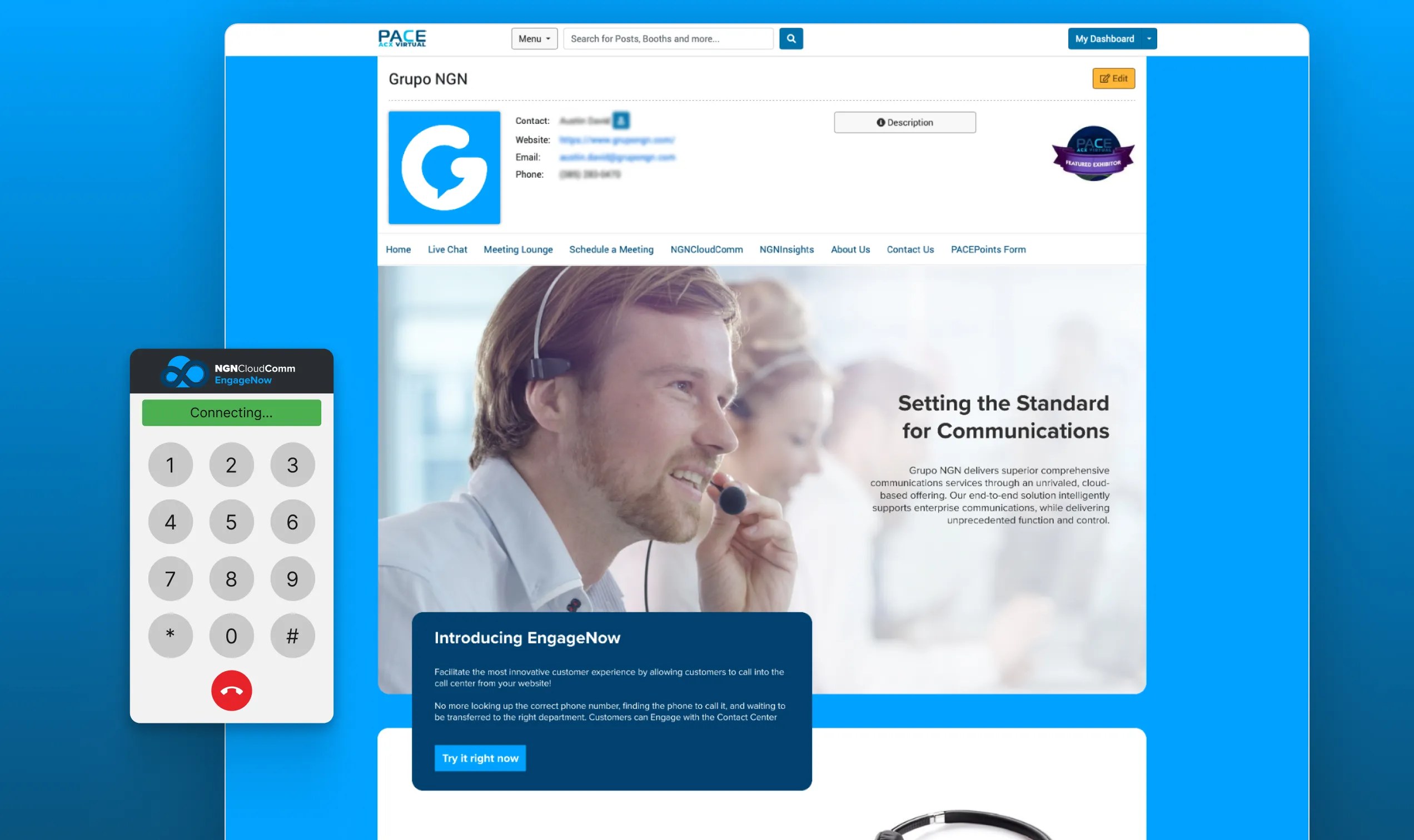
Problem Solving
Grupo NGNThe platform provided by the event organizers was built for images and text. We wouldn't be able to bring the interaction we most wanted to the booth — EngageNow — until I discovered that its rich text field would render raw HTML. That small opening changed what the booth could become.
View full case